Building my own Google Ads MCP

Most Mondays, I get a report covering more than a dozen Google Ads accounts without opening their dashboards.
I ask an agent to pull the previous seven days, combine the results with our customer relationship management data, and group everything by offer and campaign type. Then I can look across the accounts and work out where to spend my attention.
I’d wanted help with this kind of work for years. I knew the accounts, the questions worth asking, and the reports I kept assembling. Building the software to do it had been beyond what I knew how to do.
The project that got me started was an email tool.
Starting with something I knew
I was using Drip for email at my own business when I discovered its API. It gave software access to many of the same things I was doing inside the app: adding subscribers, applying tags, starting workflows, pulling campaigns.
Coding agents were becoming useful around the same time. With Drip’s documentation and Anthropic’s MCP Builder skill, I could ask one to build a connection.
An MCP server gives an AI agent tools it can use to interact with other software. That was roughly the extent of my understanding. I couldn’t write one myself, but I could explain what I wanted it to do and try what the coding agent produced.
The first version had eighteen actions. Each corresponded to a job I recognized from using Drip. I could ask an agent to apply a tag or pull a campaign, then check whether the result matched what I expected.
When I started a new job and came across the Google Ads API, I had a much longer list in mind.
I’d managed Google Ads for years. Campaign performance, search terms, budgets, Quality Score—I knew what I wanted to look at and why. Reading through the documentation, it seemed I could reach almost everything I worked with.
After building the Drip connection, I had somewhere to start.
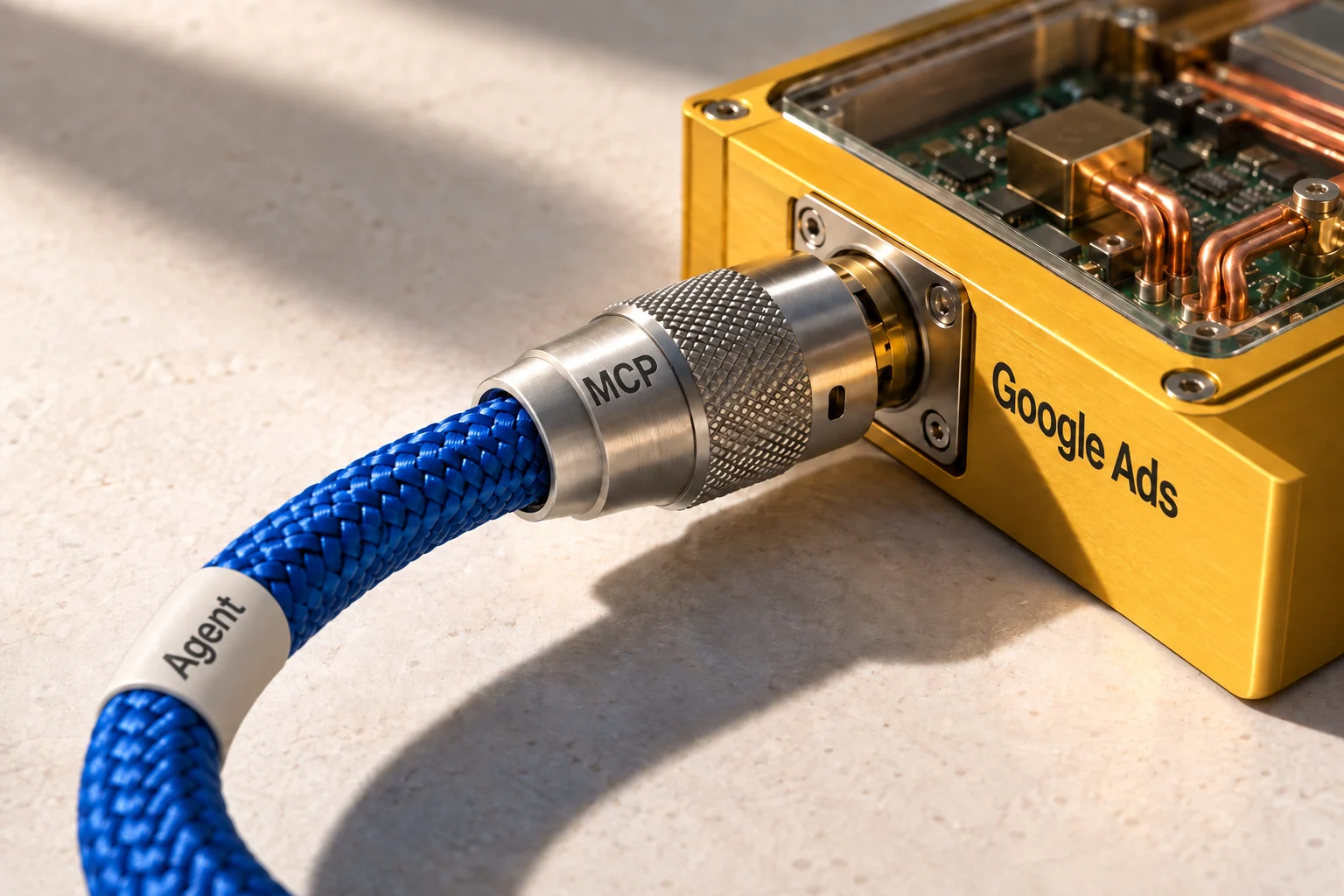
Thirteen ways to ask for data
My first approach was to give every familiar task its own command.
Get campaign performance. Pull search terms. Find wasted spend. Check budget pacing. Whenever another job occurred to me, I asked the coding agent to add it.
The server reached thirteen commands before I began to see how much they had in common. A different report usually meant asking for different data, grouping it differently, or looking at another period. I was building a separate tool for each question.
Google Ads already has a query language, GAQL, for requesting that data. If the agent could write the query, I could describe the report I wanted without first building a command for it.
We reduced the server to three tools: find the available accounts, query their data, and make changes. Their names were list_accounts, query, and mutate.
That made the server useful for questions I hadn’t thought to build into it. I could ask for a different breakdown and let the agent work out how to retrieve it. Account changes followed the same approach: I described the task, and the agent prepared the operation.
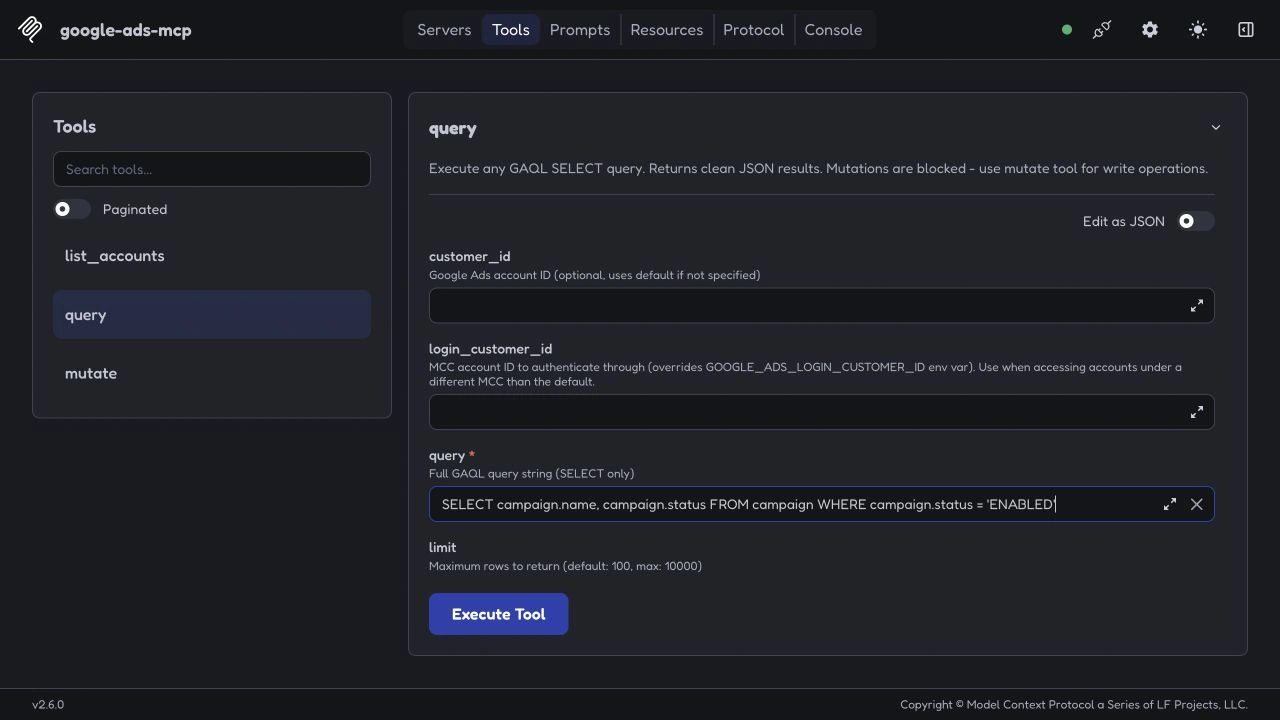
I released the first public package in January and started using it on real accounts.
A week later, a preview created an ad.
The account told a different story
I’d asked the tool to validate a new ad without making any changes. This was a dry run: Google should check whether the proposed operation was valid, then leave the account alone.
The tool reported that no changes had been made.
I opened Google Ads and found the ad sitting there. When I ran what was supposed to be the actual creation step, I got a second one.
I didn’t know where the code had gone wrong. I could, however, give the coding agent a specific problem: here was the request, here was the response, and here were the two ads in the account.
It traced the failure to two setting names. The connection expected partial_failure and validate_only; our code was passing partialFailure and validateOnly.
Those unrecognized settings were ignored. The request reached Google without the instruction to validate only, so Google created the ad. My tool still returned a response saying it had performed a dry run.
The fix was small enough to fit in a few lines. The discrepancy was much larger: I’d received a reassuring answer about an action that had already happened.
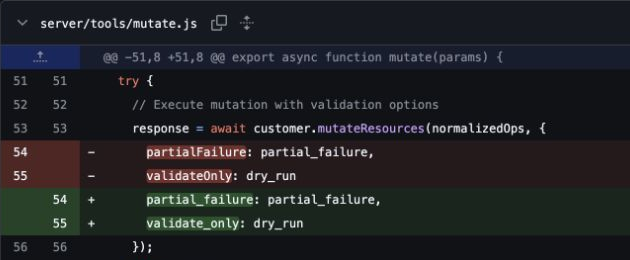
Checking the account was how I found it. Knowing what should have happened gave me something concrete to bring back to the coding agent.
I kept using the server and fixing what I found.
It still has write access when I need it; I’ve since used an agent to set up a Google search campaign through it. Changes default to validation, though the agent can apply them by setting dry_run: false. That setting isn’t a human approval step.
For reporting, I can start the server in read-only mode. That removes the tool for making changes entirely. Finding accounts and reading their data is enough for the Monday report.
Using it every week
Over the following months, reporting became the job I returned to most regularly.
The agent pulls data from more than a dozen accounts under two manager accounts and combines it with our CRM data. Grouping the results by offer and campaign type gives me a useful view of the work without having to open each account separately.
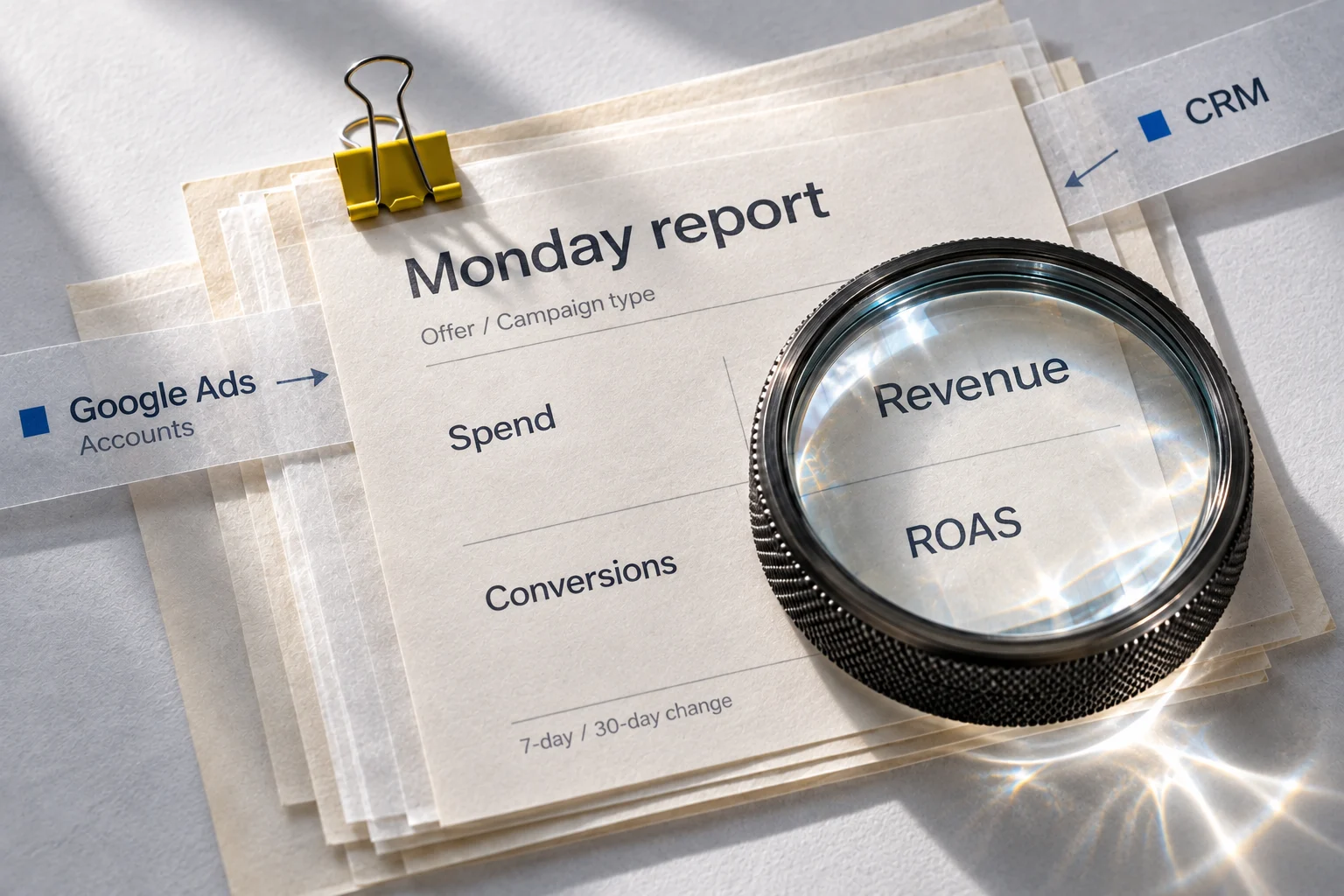
I don’t write the queries. I describe the report and check what comes back against what I know about the accounts.
That experience still matters. A report can arrive fully assembled and still need questions asked of it. I’m also using a tool I’ve seen confidently misreport its own behavior, so checking the result is part of using it.
What changed is how much I can do with an account task once I can describe it. With Drip, I started by asking a coding agent to reproduce familiar actions. With Google Ads, I kept going until I had something I could use across the accounts I managed.
The server still has three tools. Most Mondays, those are enough to get me the numbers I need and let me get on with deciding what to do about them.
npx @channel47/google-ads-mcp@latestRuns locally over stdio. Requires a Google Ads developer token and OAuth credentials. The configuration guide includes the environment variables and an MCP client example.
Source on GitHubCommon questions
The mutate tool defaults to dry_run=true, which validates without applying changes. A caller can apply changes with dry_run=false; the flag is not a separate human approval step. For reporting only, set GOOGLE_ADS_READ_ONLY=true to remove the mutation tool and reject mutation calls.